
The Global AI Regulation Tracker now has a Developer Hub for those who want to make use of the underlying data for your own applications. This post covers:
The new API, MCP & Integrations tab
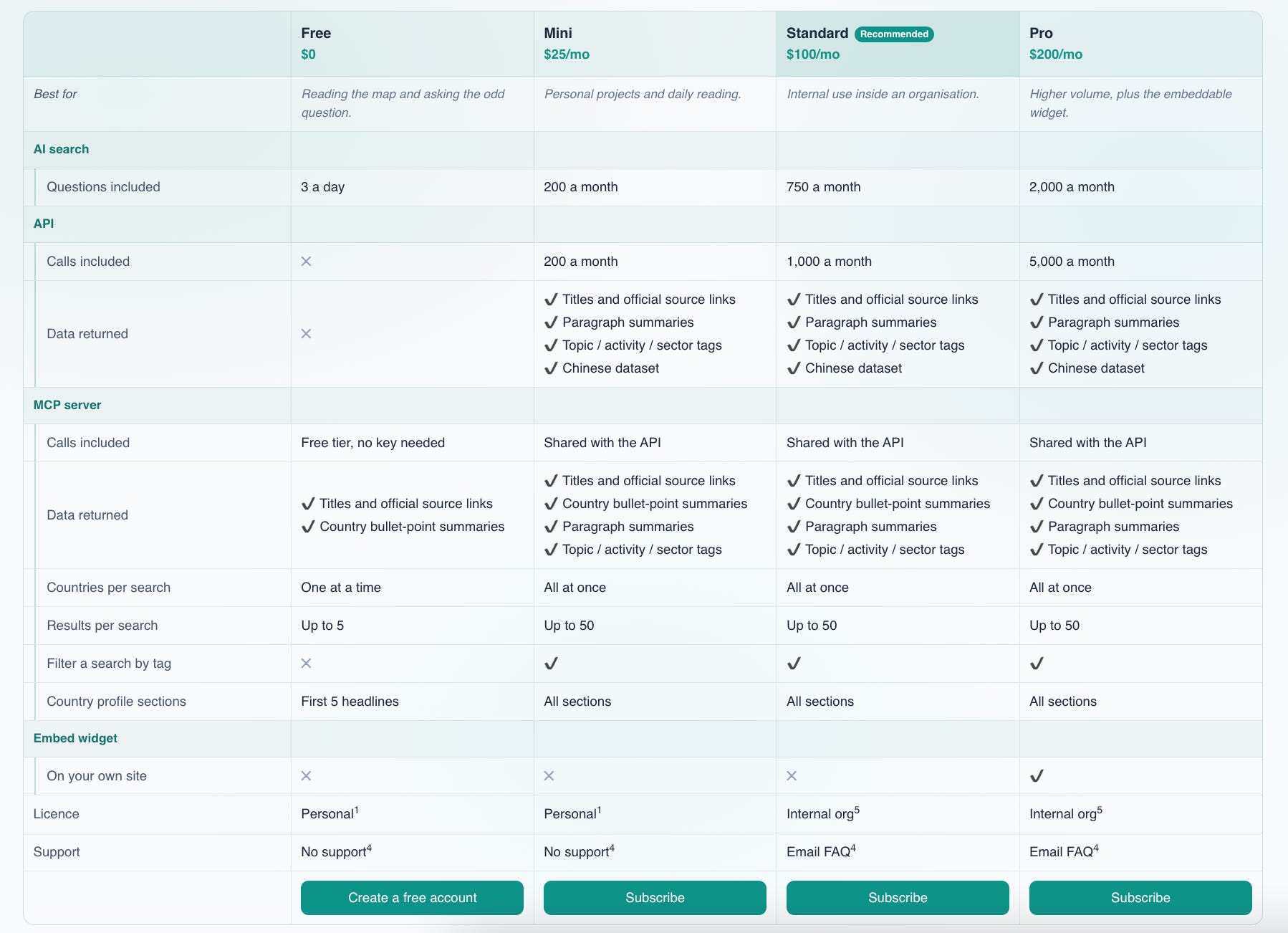
The subscription plans
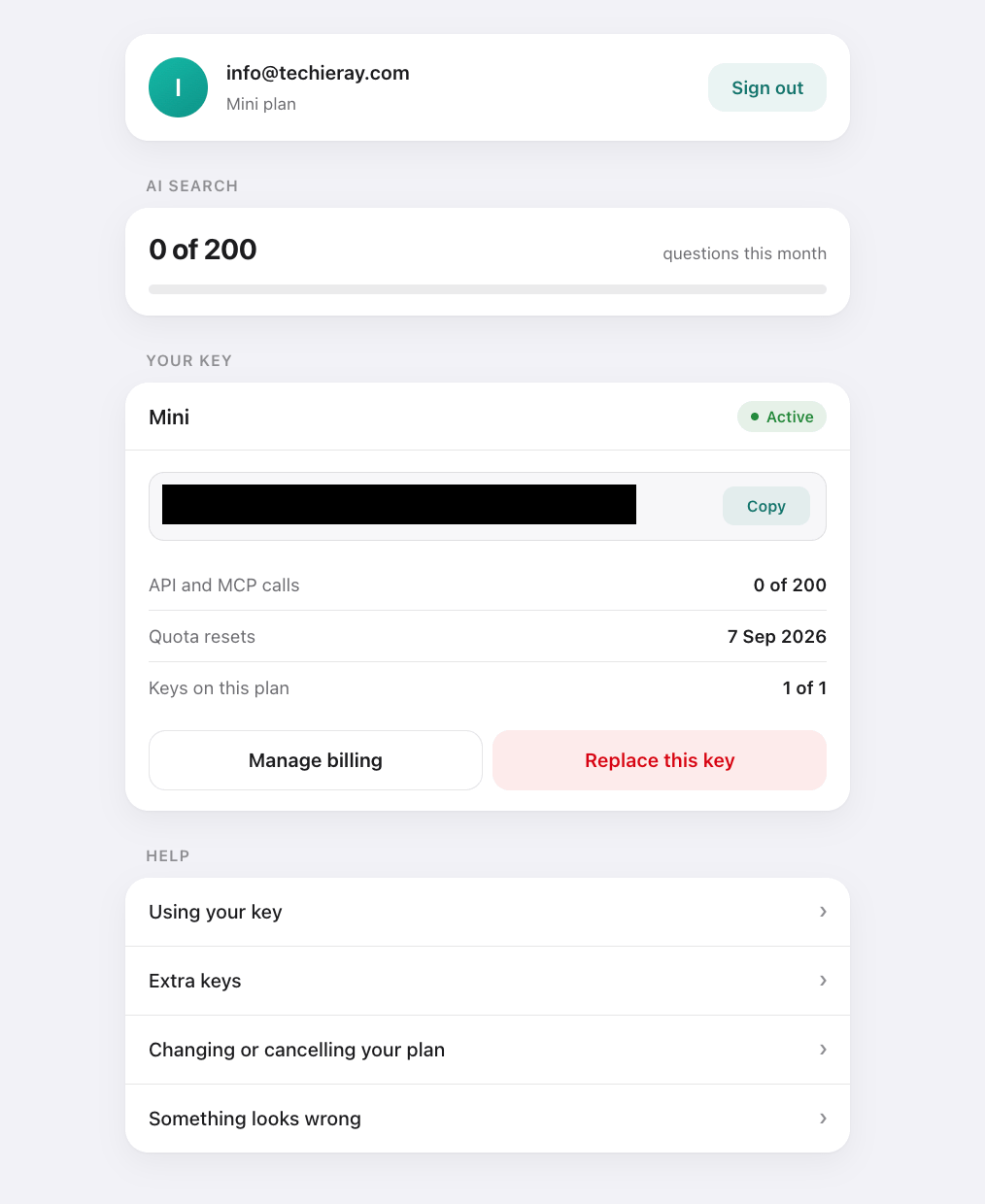
The new account dashboard
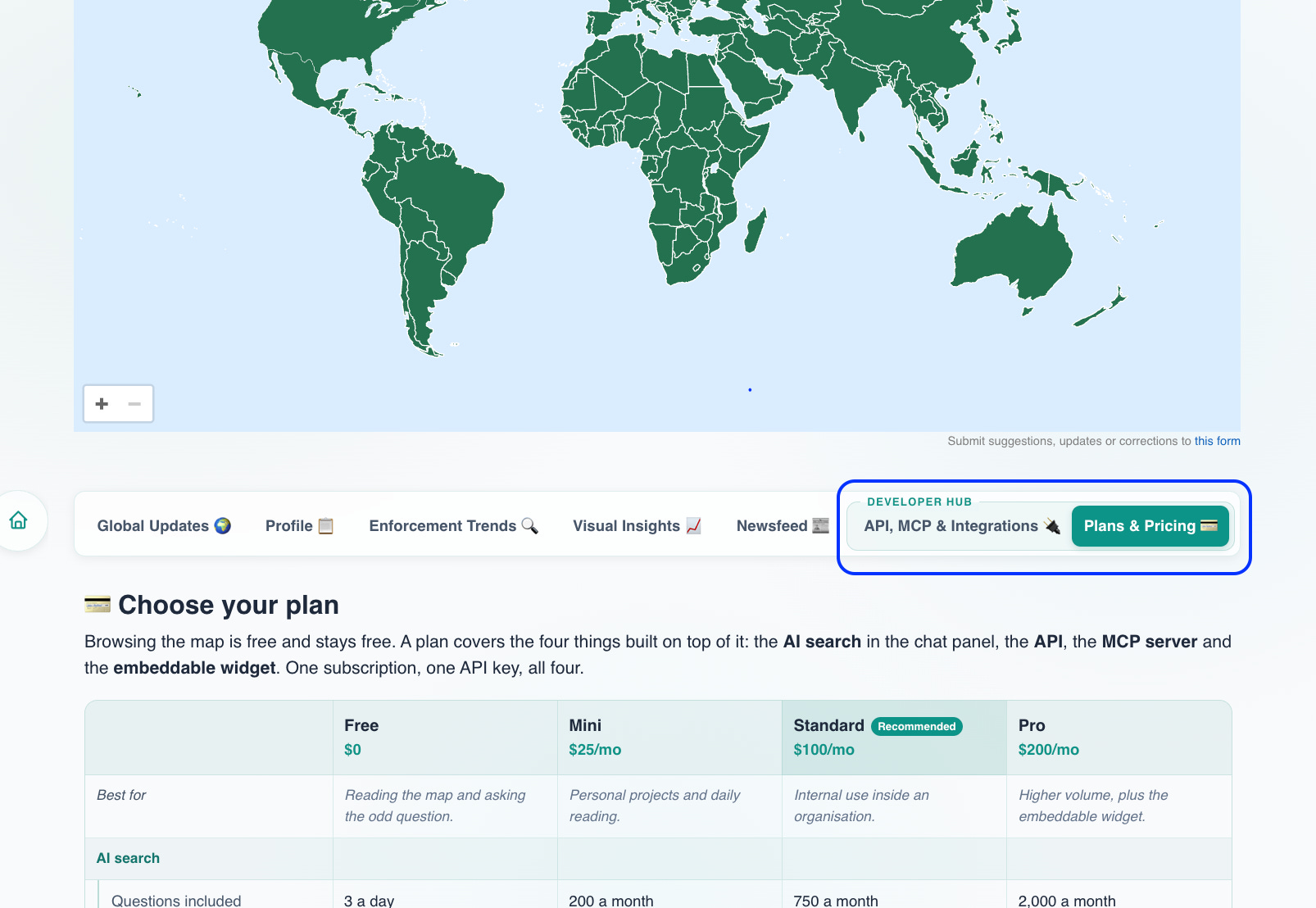
API, MCP & Integrations tab
This tab consolidates three existing tools into one place. Access instructions are set out in the respective sub-tabs.
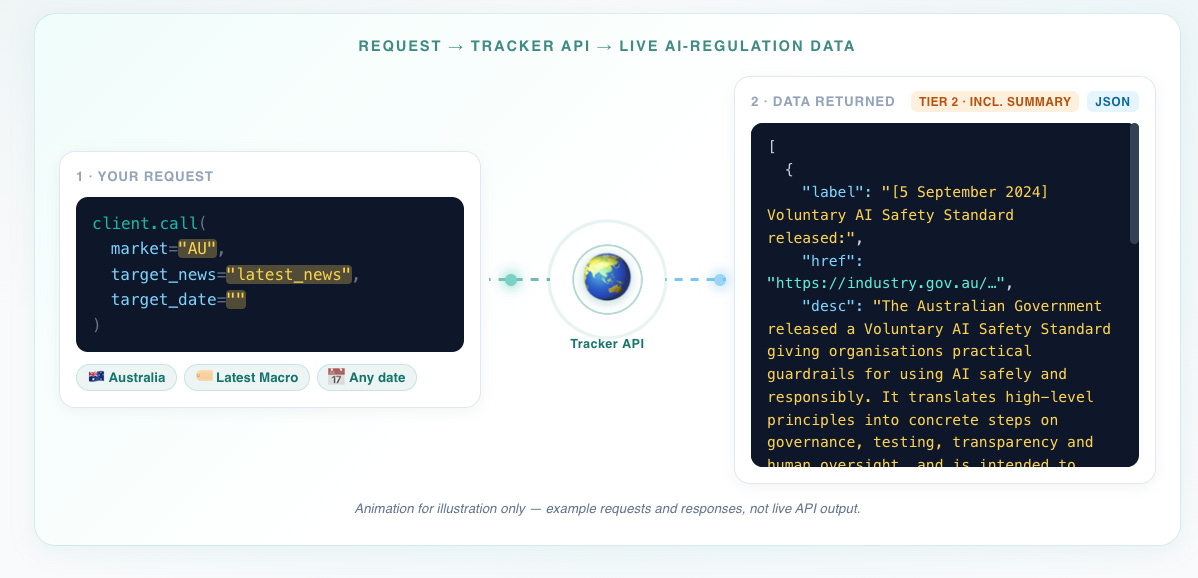
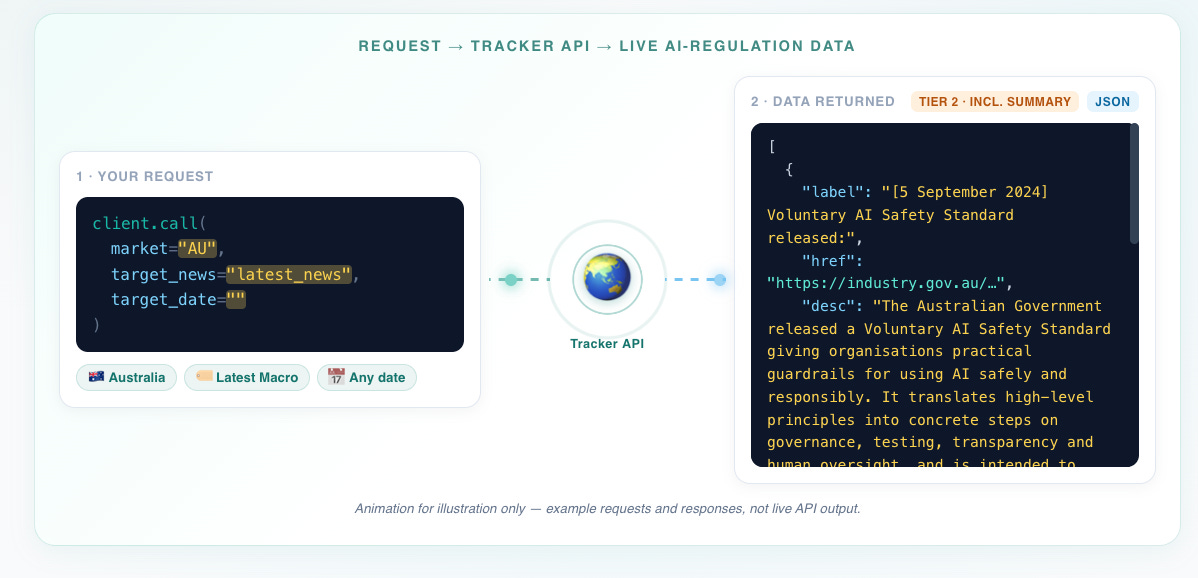
The API lets you access the underlying structured data of the tracker, ready for your developers to work with.
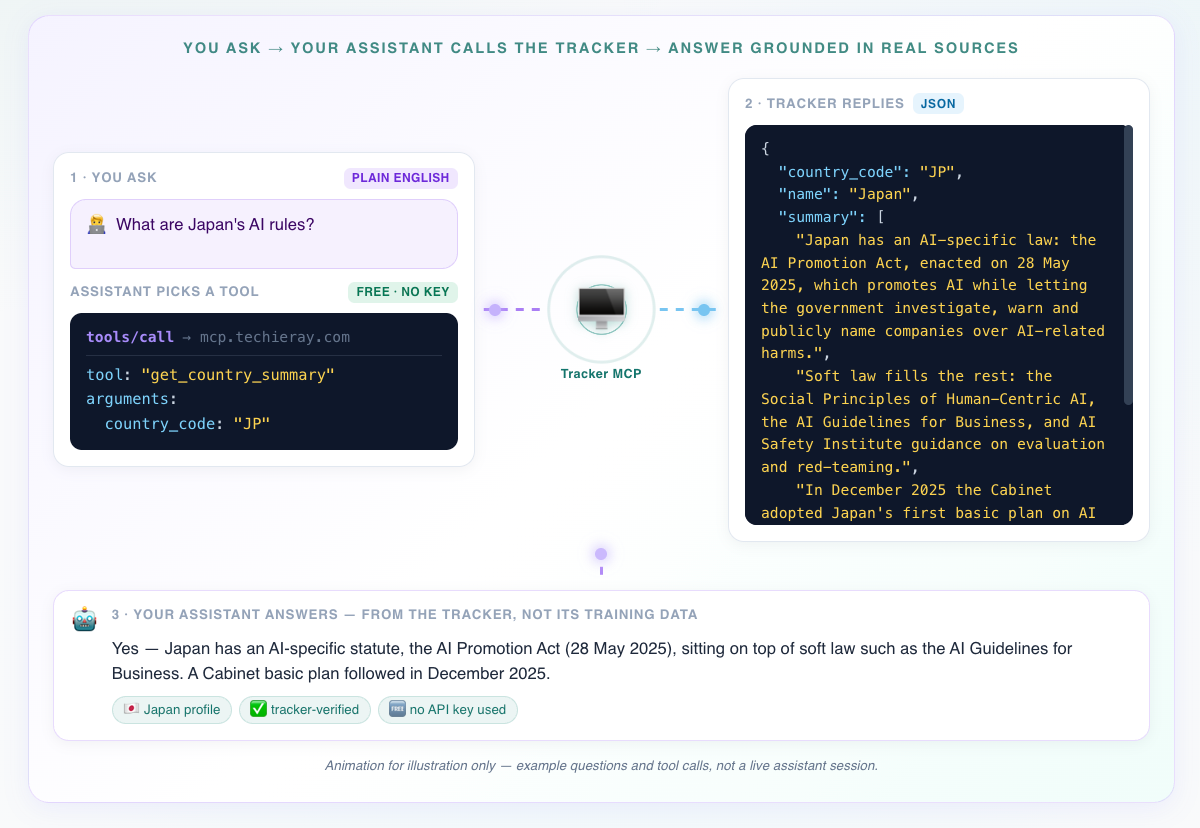
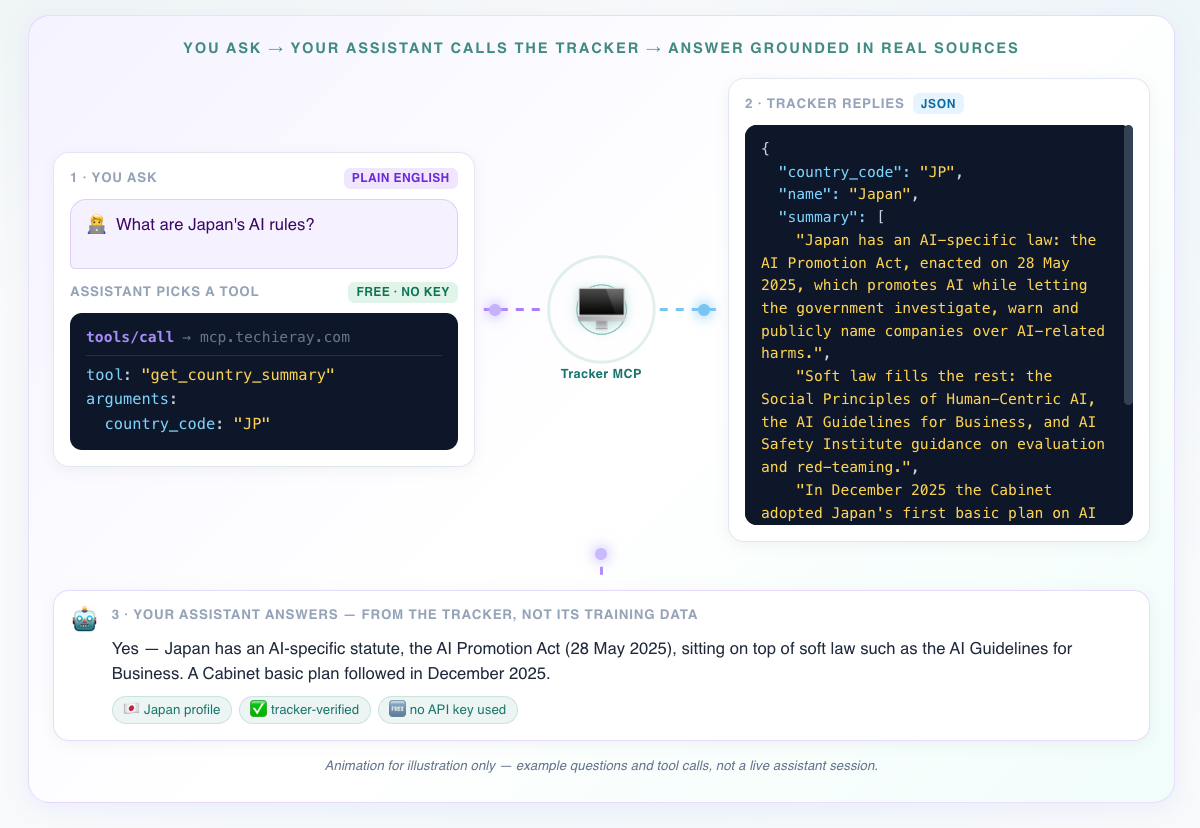
The MCP server lets an AI assistant such as Claude or ChatGPT directly access the tracker as research context to better answer AI regulation queries.
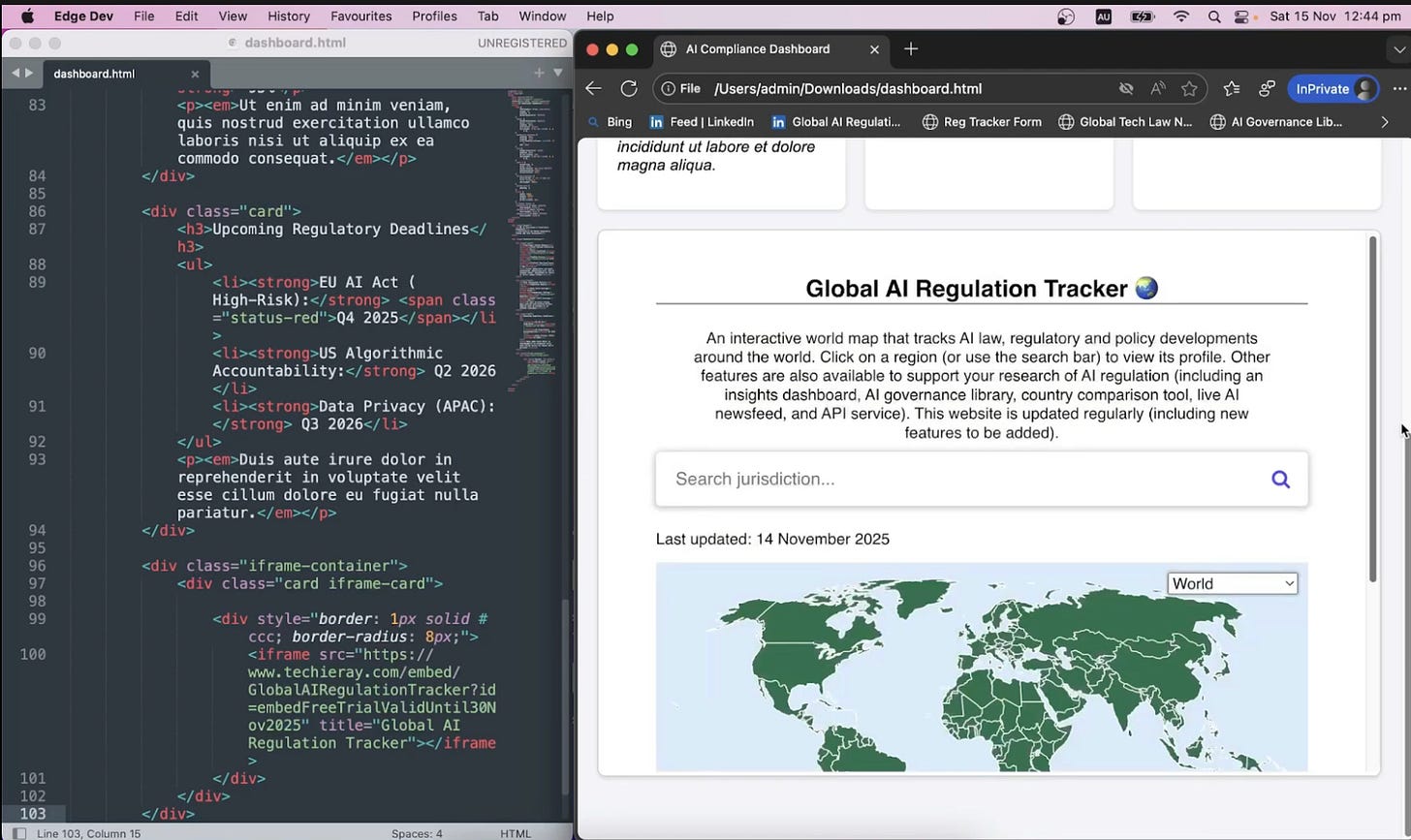
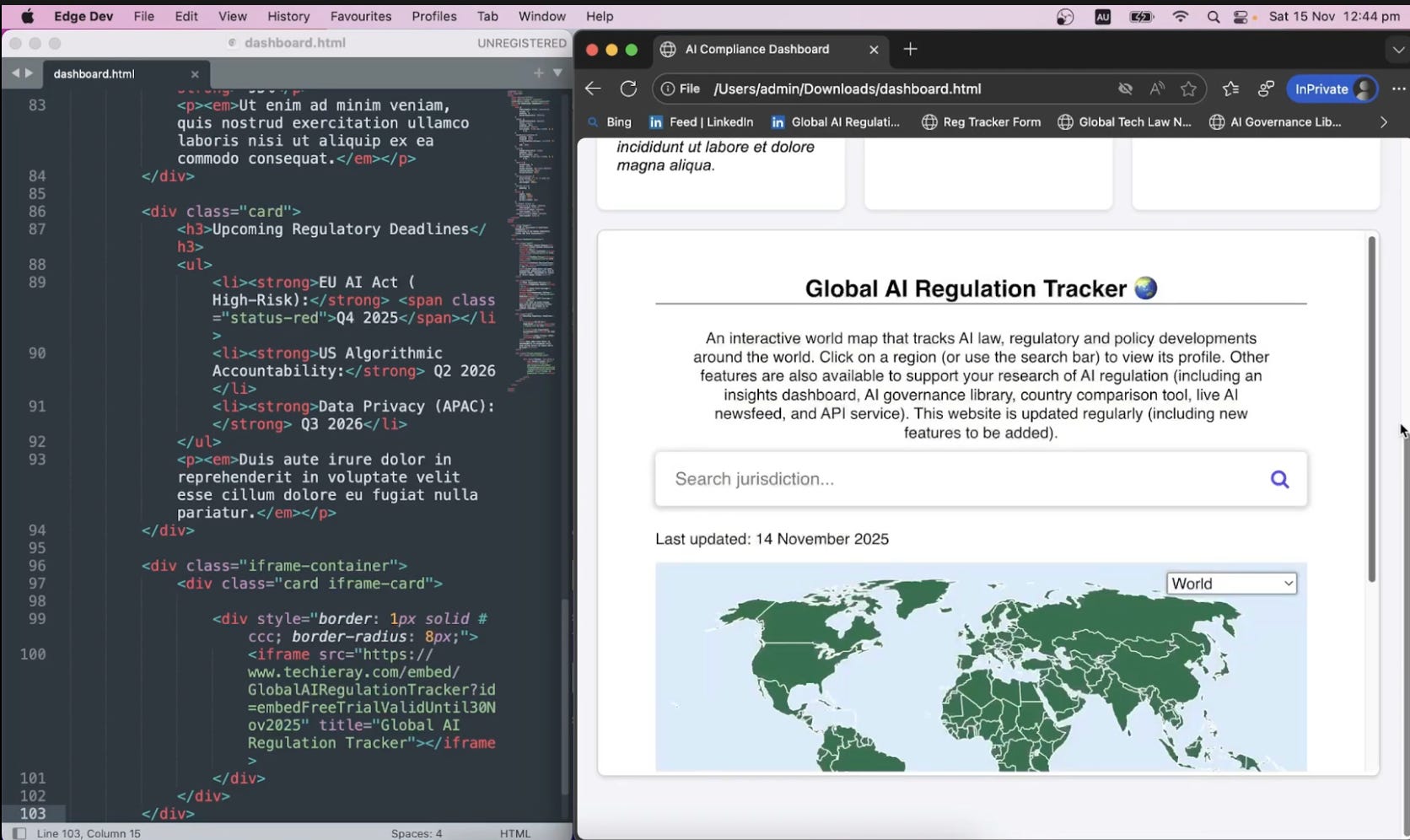
The embeddable widget lets you add an unbranded version of the tracker as an iframe component into your own website.
Subscription plans
Browsing the tracker will always remain free.
The above developer tools (API, MCP and widget) are now available under one of the three plans: Mini, Standard and Pro. If you need a commercial use licence, email me at info@techieray.com (or reply to me via this newsletter).
NB: These used to be the API subscription plans, but now extended and clarified to cover MCP and widget. Before that, it was all so confusing!
Once you sign up to plan, you will receive a key. That key can be used for the both the API and the MCP server.
Your account dashboard
You can now manage your keys, billing and subscription details at the new portal: techieray.com/subscription/portal, or access via the “Sign in” button in the top left hand corner.
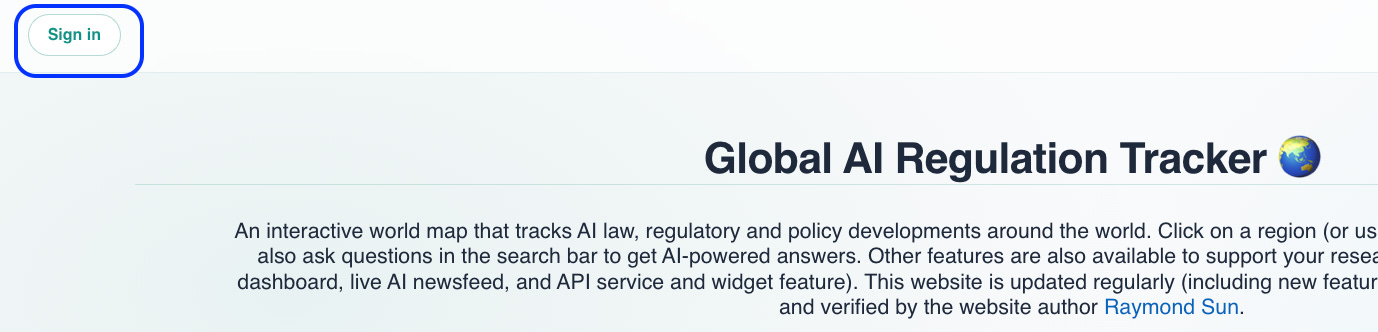
Sign in with the email address you paid with to see your plan, your usage and your keys. You can copy a key, replace a lost one and manage billing. Previously your key appeared once at checkout and never again. You also see your usage of the AI search feature (currently it’s max 3 queries a day on a free account).
Happy building!
— Ray